
Order confirmationFor businesses in Pakistan
Cash on delivery in Pakistan: confirm every order on WhatsApp before you book the courier
Fake orders, switched-off phones and refused parcels eat COD margins. A two-minute WhatsApp check before dispatch fixes most of it.
Quick answer
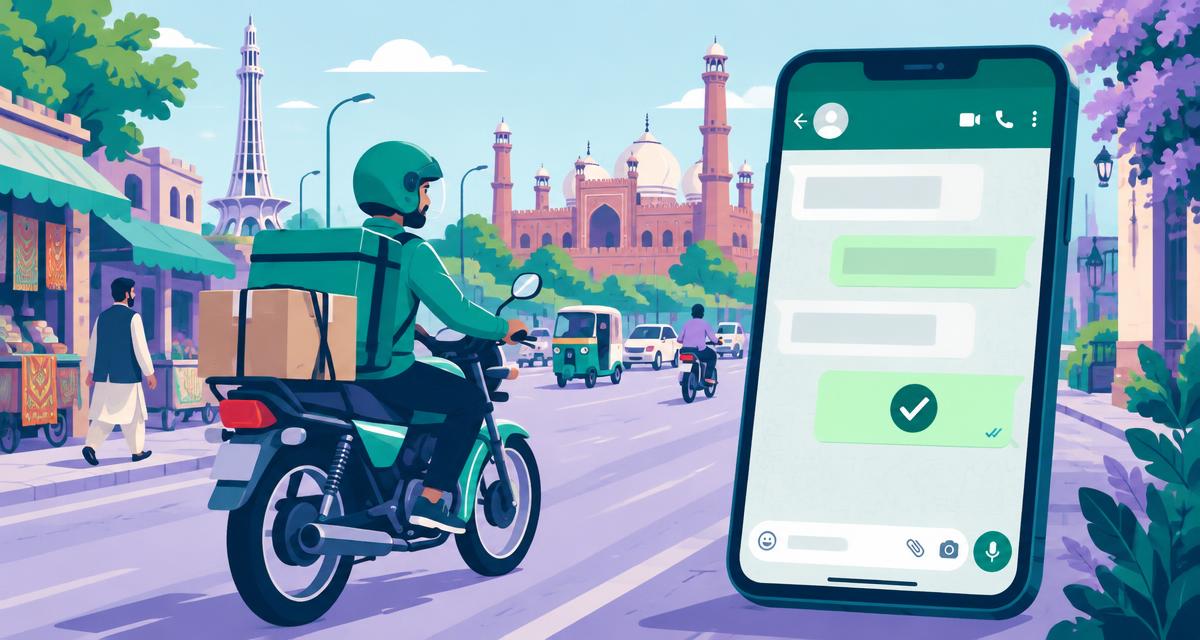
Cash on delivery Pakistan sellers lose money on fake orders and refused parcels, so confirm every order on WhatsApp before booking TCS, Leopards, PostEx or any courier. Send a short Urdu or English message with the order and amount, ask the customer to reply 1 to confirm or 2 to change, and dispatch only confirmed orders.
Key takeaways
- Most online shoppers in Pakistan still choose cash on delivery, so every unconfirmed order is a risk you pay for.
- A refused parcel costs you courier charges both ways plus packing and stock locked in transit.
- WhatsApp reaches customers faster than calls, and they answer when it suits them.
- Write in the customer's language: Roman Urdu, Urdu script or English all work if you stay consistent.
- Book the courier only for orders that replied 1, and call the few that replied with questions.
In this article
Why cash on delivery Pakistan orders need a confirmation step
In Pakistan, a large share of e-commerce orders are paid in cash at the door. That builds trust with buyers, but it also means anyone can place an order with no commitment. Wrong numbers, prank orders and changed minds all arrive at your door as returned parcels.
- 1
Order placed
No payment yet
- 2
Courier booked
You pay the shipping
- 3
Customer unreachable
Phone off or wrong address
- 4
Parcel returned
You pay again
Calling every customer works for ten orders a day, not two hundred. A WhatsApp confirmation does the same job in the background. Our general WhatsApp order confirmation guide explains the basics; this article focuses on Pakistani stores.
The confirmation message that works in Pakistan
Keep the message short, polite and specific. Customers should see their name, what they ordered, the amount in rupees and the city, then one clear instruction. Many Pakistani buyers prefer Roman Urdu on WhatsApp, so match how your store already talks to customers.
| Style | Message |
|---|---|
| Roman Urdu | Assalam o Alaikum Ayesha! Aap ka order #2041 (Rs 3,450) Lahore ke liye tayyar hai. Confirm karne ke liye 1, change ke liye 2 likhein. |
| Urdu script | السلام علیکم عائشہ! آپ کا آرڈر #2041 (3,450 روپے) لاہور کے لیے تیار ہے۔ تصدیق کے لیے 1 اور تبدیلی کے لیے 2 لکھیں۔ |
| English | Hi Ayesha, your order #2041 (Rs 3,450) to Lahore is ready. Reply 1 to confirm or 2 to change anything. |
Sorting replies and booking only confirmed orders
Replies come in every shape: 1, ١, 'ji haan', 'confirm', 'kal bhejna' or a voice note. You need a simple board that separates confirmed orders from changes and questions, so your team books the courier for the right parcels and calls only the few that need a human.
- 1
Confirmed
Replied 1, 'ji', 'ok' or 'confirm'. Export the list and book your courier.
- 2
Change
Replied 2 or asked for a new address or date. Update the order, then book.
- 3
Needs you
Questions such as 'card se pay ho sakta hai?'. Answer in the same chat.
- 4
No reply
Send one polite reminder after a few hours, then call or hold the order.
Ulfah reads these replies, including Urdu and Roman Urdu, and fills the board automatically. See how it compares with calling every customer.
Sending safely from your own number
Pakistani stores usually run on one WhatsApp number that customers already know. Protect it: message only people who ordered from you, keep a calm gap between messages, set a daily limit and stop anyone who asks. A blocked number costs far more than a few slow minutes.
- 50 orders38 min
- 100 orders75 min
- 200 orders150 min
Simple arithmetic: number of orders multiplied by 45 seconds.
Bottom line
For cash on delivery Pakistan stores, the cheapest parcel is the one you never send to a fake order. Confirm every order on WhatsApp in your customers' language, dispatch only the orders that replied 1, give changes and questions a quick human touch, and protect your number with calm pacing. Refusals fall and your courier bill follows.
Questions people ask
Why do so many COD parcels get refused in Pakistan?
Common reasons are fake or prank orders, wrong phone numbers, customers who changed their mind, and buyers who are not home when the rider arrives. A confirmation message before dispatch catches most of these cases, because people who did not mean to order simply do not reply 1.
Should I write in Urdu or Roman Urdu?
Use whatever your store already uses on social media and WhatsApp. Many Pakistani buyers write in Roman Urdu, while others prefer Urdu script or English. Ulfah can choose the language per customer from a column in your sheet and understands replies in all three styles.
Does this work with Daraz, Shopify or WooCommerce orders?
Yes. Export your orders as Excel or CSV from Shopify, WooCommerce or your own system and upload the file. Ulfah maps name, phone, order number, amount and city, and fixes local numbers starting with 03 into the international +92 format automatically.
Can I send confirmations without the WhatsApp Business API?
Yes. Ulfah sends through WhatsApp Web in your own Chrome, using the number your customers already know. There is no Meta verification and no template approval. You stay responsible for messaging only customers who placed an order with your store.
How much does Ulfah cost in Pakistan?
Ulfah's standard plans are priced in Saudi riyals, starting with Solo. For Pakistani stores we offer local onboarding, so email contact@ulfah.chat with your daily order volume and we will share the right plan and pricing for your business.
Sources
Try it with your own WhatsApp
Ulfah — Every customer. Their own message. sends one personal message at a time from your number and sorts every reply.
contact@ulfah.chat
Keep reading
 Order confirmationWhatsApp order confirmation: a practical guide for cash-on-delivery storesConfirm every order before it leaves the warehouse, in the app your customers already open first.4 min read · 10 November 2026
 Safe sendingWhatsApp sending limits: how to message customers without getting blockedPace, permission and personal wording matter more than any trick.3 min read · 10 November 2026