
Safe sending
WhatsApp opt-out done right: how STOP replies protect your number and your brand
An easy way out is the cheapest insurance a WhatsApp sender can buy. Here is how to offer it, honour it and prove it.
Quick answer
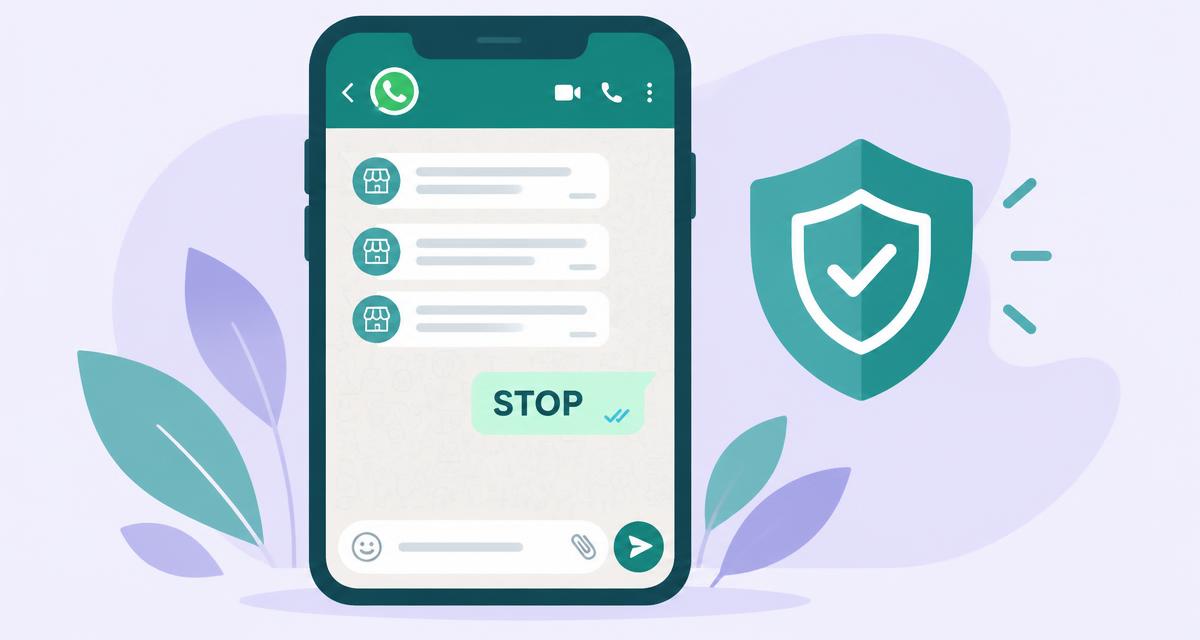
A good WhatsApp opt-out lets any customer stop your messages with one word, such as STOP or إيقاف, and takes effect before your next send. Mention it in first messages, block the number from every future campaign automatically, keep a dated record, and never argue or send a follow-up after someone asks to stop.
Key takeaways
- People who cannot find an easy way out press Block or Report instead, and those signals hurt your number.
- Offer the opt-out in plain words in the first message of any campaign.
- Accept STOP in every language you send in, including Arabic words and digits.
- An opt-out must apply to every future campaign, not only the one that triggered it.
- Keep a dated do-not-contact list so you can show when and how each person left.
In this article
Why a WhatsApp opt-out matters more than any sending trick
WhatsApp judges senders largely by how recipients react. When a customer has no simple way to stop messages, the fastest exit is Block or Report. A visible STOP option turns an angry exit into a quiet one and keeps your number healthy.
- 1
Customer no longer wants messages
- 2
No easy way out
They block or report you
- 3
Number quality drops
Risk of limits or a ban
- 1
Customer no longer wants messages
- 2
Replies STOP
Takes two seconds
- 3
Removed everywhere
No report, number stays healthy
WhatsApp's Business Policy asks businesses to respect requests to stop messaging. Treat that as the floor. Read our guide to WhatsApp sending limits for the pacing side of the same problem.
How to word the opt-out line
The opt-out line should be short, friendly and in the customer's language. It belongs at the end of the first message in a campaign, after the useful part. Customers rarely use it, but seeing it makes the whole message feel safer and more respectful.
| Language | Line to add |
|---|---|
| English | Reply STOP and we will not message you again. |
| Arabic | إذا ما تبغى رسائل منا، ارسل «إيقاف». |
| Urdu | مزید پیغامات نہ چاہیں تو STOP لکھ دیں۔ |
| Spanish | Responde STOP y no te escribiremos más. |
Honouring STOP instantly and everywhere
An opt-out only works if it is enforced by the system, not by memory. The number must leave the current campaign, every scheduled campaign and every future import. Ulfah does this automatically when it reads a STOP reply in any of its six languages.
- 1
Detect the word
Match STOP, UNSUBSCRIBE, إيقاف, توقف, بس and similar replies, ignoring case and extra spaces.
- 2
Block the number
Mark the contact as opted out with the date, campaign and the exact reply.
- 3
Skip it in every campaign
Remove the number from queued sends and refuse it in future uploads.
- 4
Send nothing more
No 'sorry to see you go' message. Silence is the respectful answer.
In Ulfah, opted-out people appear on the Interested list with a STOP tag so your team never contacts them by mistake. See how the campaign results board shows each status.
Keeping proof: the do-not-contact record
Saudi Arabia's Personal Data Protection Law and similar laws elsewhere give people rights over how businesses use their data. A dated record of who opted out, when and how lets you answer complaints calmly and shows you take consent seriously.
- Phone number in international format
- Date and time of the STOP reply
- Campaign that received it
- The exact words the customer sent
Ready to run campaigns with STOP handled for you? Create a free account and send a test to your own second number.
Bottom line
A WhatsApp opt-out is not a lost customer, it is a report that never happened. Offer STOP in plain words, accept it in every language, apply it to every campaign at once and keep a dated record. Your number stays healthy, and the customers who stay are the ones who actually want to hear from you.
Questions people ask
Do I need an opt-out line in every message?
No. Put it in the first message of each marketing or outreach campaign. Follow-ups in the same conversation can skip it. A single order confirmation the customer expects usually does not need it, though adding it never hurts.
Which words should count as an opt-out?
Accept STOP, UNSUBSCRIBE and the natural words in each language you send, such as إيقاف, توقف or بس in Arabic. Ignore case and spacing. When a reply is unclear, such as an angry message without the keyword, treat it as an opt-out to be safe.
Should I reply to confirm the opt-out?
Most businesses should not. Any further message after a STOP can feel like ignoring the request and invites a report. If you must confirm, send one short line immediately and nothing afterwards, ever, unless the customer writes to you first.
Can a customer opt back in?
Yes, if they message you first or clearly ask to hear from you again. Record the date and their words, just as you did for the opt-out. Never re-add a number simply because it appeared in a new spreadsheet upload.
Does Ulfah block opted-out numbers automatically?
Yes. When Ulfah reads a STOP reply in any of its six languages, it tags the person, removes them from queued sends and skips the number in every future campaign and import. You can see every opt-out on the Interested list.
Sources
Try it with your own WhatsApp
Ulfah — Every customer. Their own message. sends one personal message at a time from your number and sorts every reply.
contact@ulfah.chat
Keep reading
 Order confirmationWhatsApp order confirmation: a practical guide for cash-on-delivery storesConfirm every order before it leaves the warehouse, in the app your customers already open first.4 min read · 10 November 2026
 Safe sendingWhatsApp sending limits: how to message customers without getting blockedPace, permission and personal wording matter more than any trick.3 min read · 10 November 2026